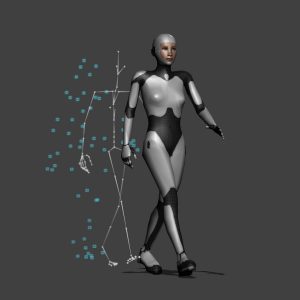
Correcting Motion Capture is only part of the motion editing process. The real skill is taking that motion and turning into the thoughts, feelings and emotions of a character. Just like any animator you need bring your character to life by showing the audience what your character is thinking and feeling by the way it…
Complete Guide to Pose in MotionBuilder
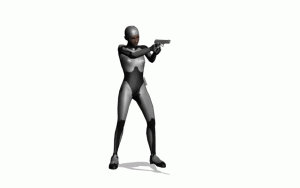
Whether you’re mirroring a hand pose, looping an animation or adding pre-built poses to actions, applying a pose to a character is something you’ll do almost every time you edit a file in MotionBuilder. In this tutorial you’ll learn how to use the Pose Controls to create a library of poses you can save, merge…
How To Create a Walk Cycle in MotionBuilder
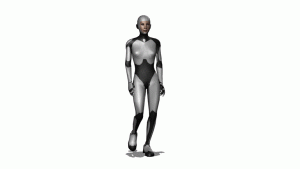
Creating a walk cycle using motion Capture is one of the best ways to learn the tools and techniques you’ll need for motion editing in MotionBuilder. In this tutorial you’ll learn: How to Import Mocap Data How to Select a “Loop-able” clip in Story How to Fix Foot Sliding How to Create and Apply Poses How…
Retargeting Animation In MotionBuilder
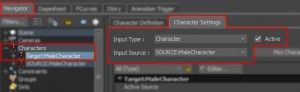
A complete guide to retargeting animation in MotionBuilder. Learn how to import and connect characters, retarget animation and export files as FBX or BVH. This tutorial will teach you everything you need to know about retargeting animation in MotionBuilder: The only slight problem is, all this information needs a VERY long post. To break it down a…
Understanding MotionBuilder’s Control Rig
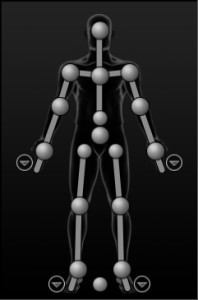
The Control Rig is one of the 3 ways you can animate a character in MotionBuilder. It is MotionBuilder’s Full Body FK/IK character rig and although it is designed for editing mocap, it can also be used for animating characters – it just requires a little translation into more animator friendly terminology. Because the Control Rig was originally designed to…
Using Custom Bone Names in MotionBuilder
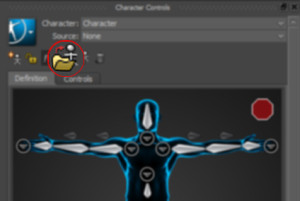
Creating a Custom Character or Skeleton Definition File allows you to use your own custom bone names and still automatically characterize characters. Once a character has been manually characterized, a “Custom Character Asset” or “Skeleton Definition File” can be created. These assets provide the same automatic characterization functionality as the default MotionBuilder Character asset but…
How to Characterize a 3DS Max Biped in MotionBuilder
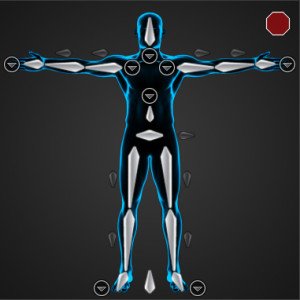
In this tutorial you will learn how to successfully characterize a 3DS Max Biped character in MotionBuilder. Before you can begin using the character animation features in MotionBuilder you will need to characterize your Biped. The process involves 3 main steps: T-Posing – This is the most import part of the process and requires accurate…
A 10 Step Guide to Building a Skeleton for MotionBuilder
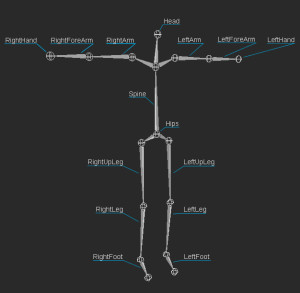
This simple 10 step tutorial will show you how to build a skeleton and prepare it for use in MotionBuilder. Building a skeleton for MotionBuilder or motion capture is the same as building a skeleton for any other purpose, apart from you don’t need to rig the skeleton to animate it as MotionBuiler uses it’s…
Using MotionBuilder Story Tool
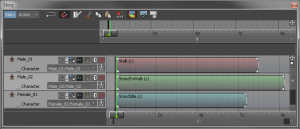
This tutorial will explain how to use the MotionBuilder Story Tool to create an animated cut-scenes or pre-vis sequences. I will guide you through every step of the process from importing your characters and environment into MotionBuilder and animating them using the Story Tool to plotting and saving the finished animation. The Story Tool allows you to…
How to plan a Motion Capture Shoot – Mocap Shot List
Now you have a full and extensive list of actions you want to capture, it’s time to assemble them in to some sort of order. One of the best ways to do this, if you haven’t already been doing so, is to enter them in to a spreadsheet. Begin simply by creating a column containing…